Wooting 60HE+
Compact Gaming Keyboard
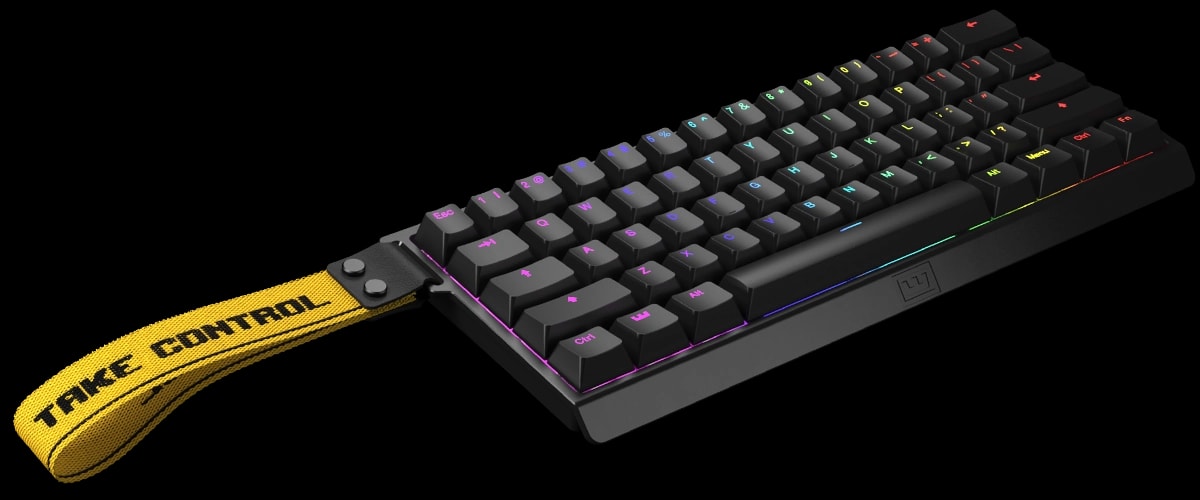
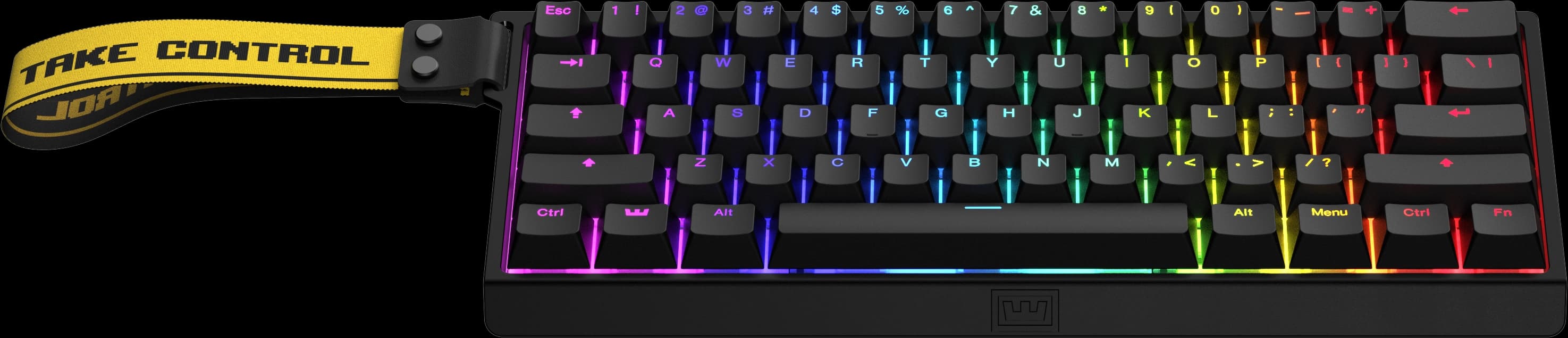
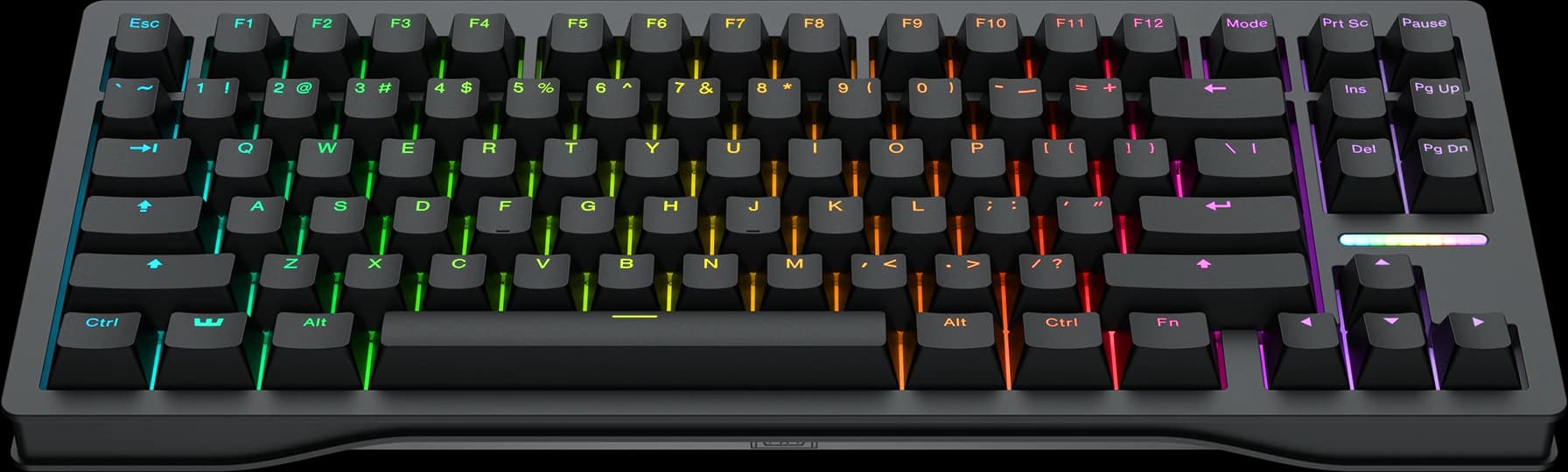
The Wooting 60HE+ is a 60% layout with Lekker L60 switches that gives you precise control over in-game movement; A go-to for competitive players. Built to be modded to your liking.

We don't ship to Netherlands.
Take Control
My movement is off… Perhaps my response is too slow… Or is my muscle memory slipping… stop - no more excuses. Take control with the Wooting 60HE+ and unleash the best in you.
The Power of Analog
An analog keypress isn't binary; your keyboard tracks exactly how far you press. With Hall-effect switches, this means faster input, finer control, and the foundation for a range of gaming features.
The feature we pioneered, and changed the peripheral landscape. It resets and activates keys the instant you move, delivering speed no rival can match.
Fine-tune each key's actuation point with 0.1mm precision. Your keys respond at the exact depth you want them to.
Pro Player's Choice
Trusted by the pros for performance, build quality, and software that fine-tunes every key, Wooting is the most-used keyboard brand according to prosettings.net in the following games.
Valorant
Most used keyboard
20.6% of players (137)
Rainbow Six Siege
Most used keyboard
17.71% of players (17)
Counter-Strike 2
Most used keyboard
27.51% of players (252)
Fortnite
Most used keyboard
15.41% of players (51)
as of June 2026[1]
Wootility
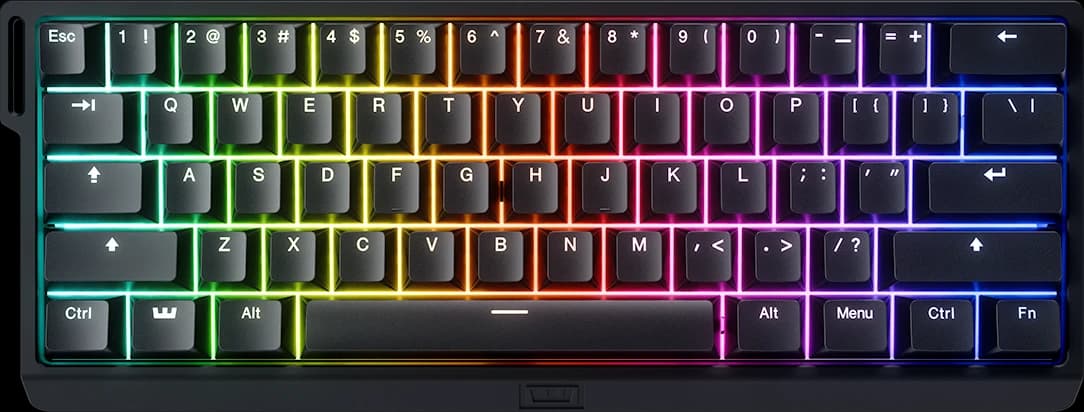
Configuration software that makes setting up features, and customizing your keyboard settings easy and intuitive, while giving you the depth to fine-tune every detail.
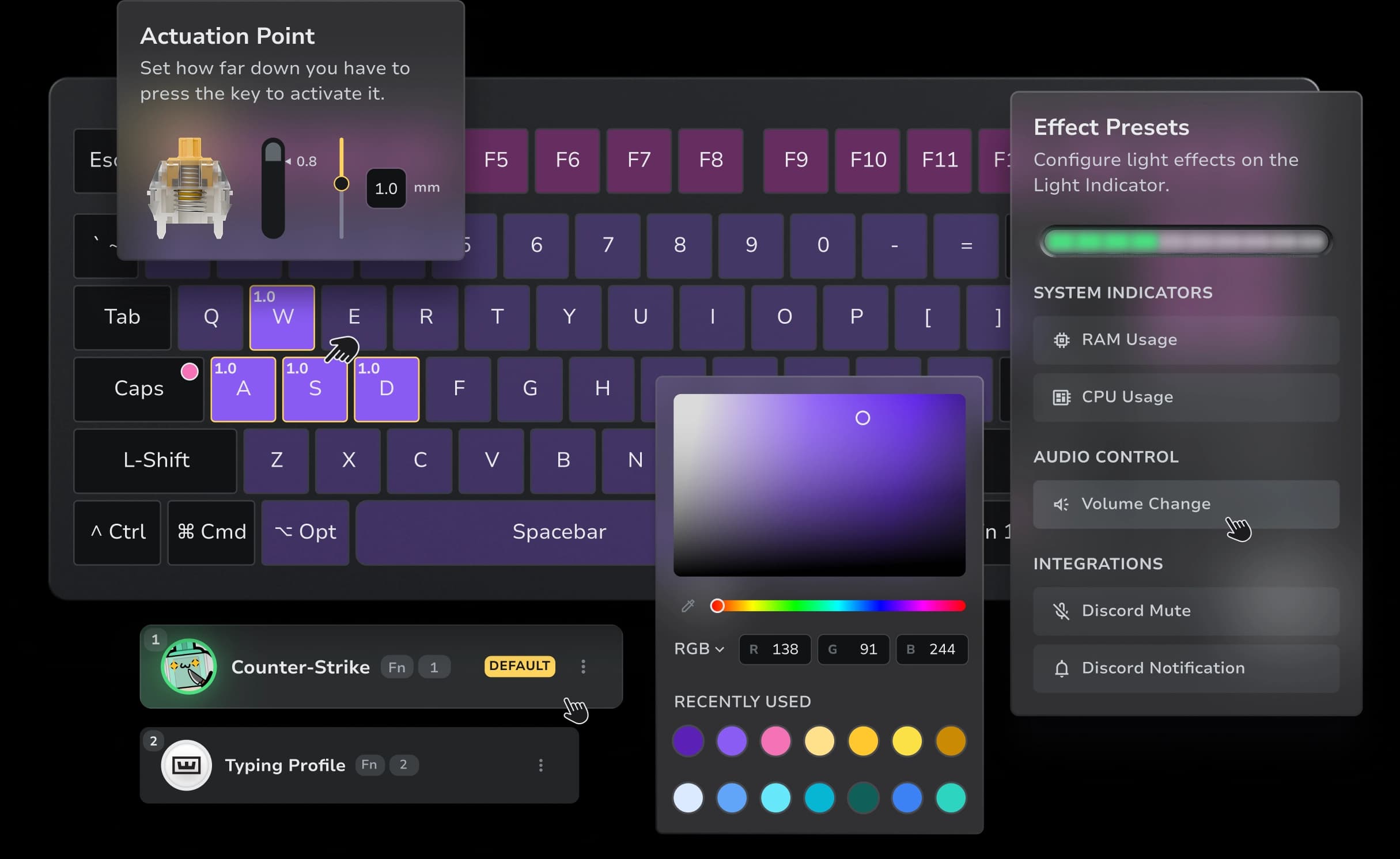
Configure performance features and RGB fast, then adjust the details when you need more control. Whether you want instant setup or per-key tuning, it's all within reach.
Use Wootility wherever you are, in-app or in-browser. Up to four onboard profiles stay saved on the keyboard and load instantly on any device, without having to open Wootility.
All Wooting features
Wootility isn't just about RGB, Rapid Trigger and Adjustable Actuation. It's packed with features that give you more control, improving your gameplay or increasing productivity. The Wooting developers are continuously exploring new features, while refining existing ones.
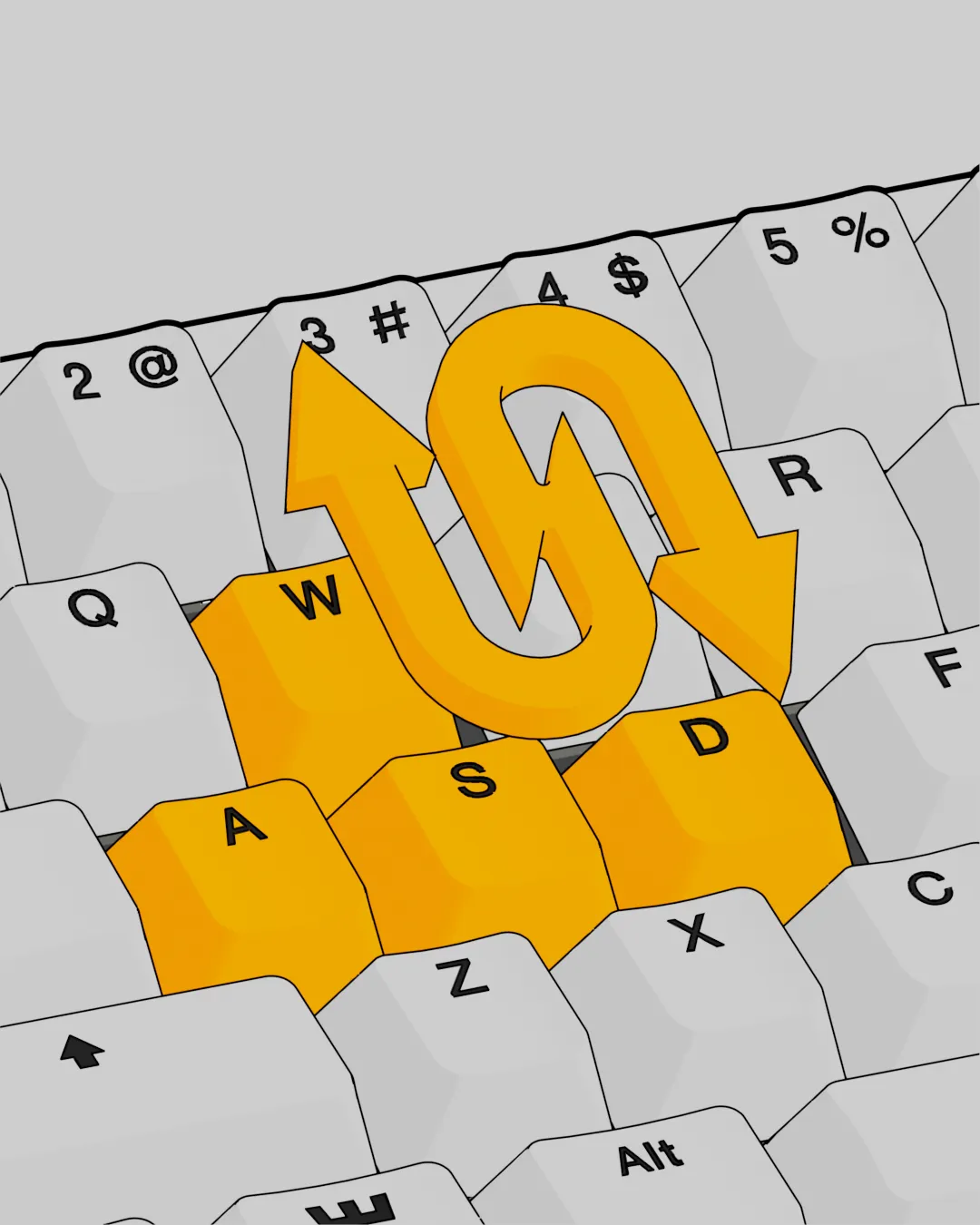
This feature resets and activates keys the instant you move, letting you repeat inputs in rapid succession without delay. This gives you quicker reactions and more precise control in every game.
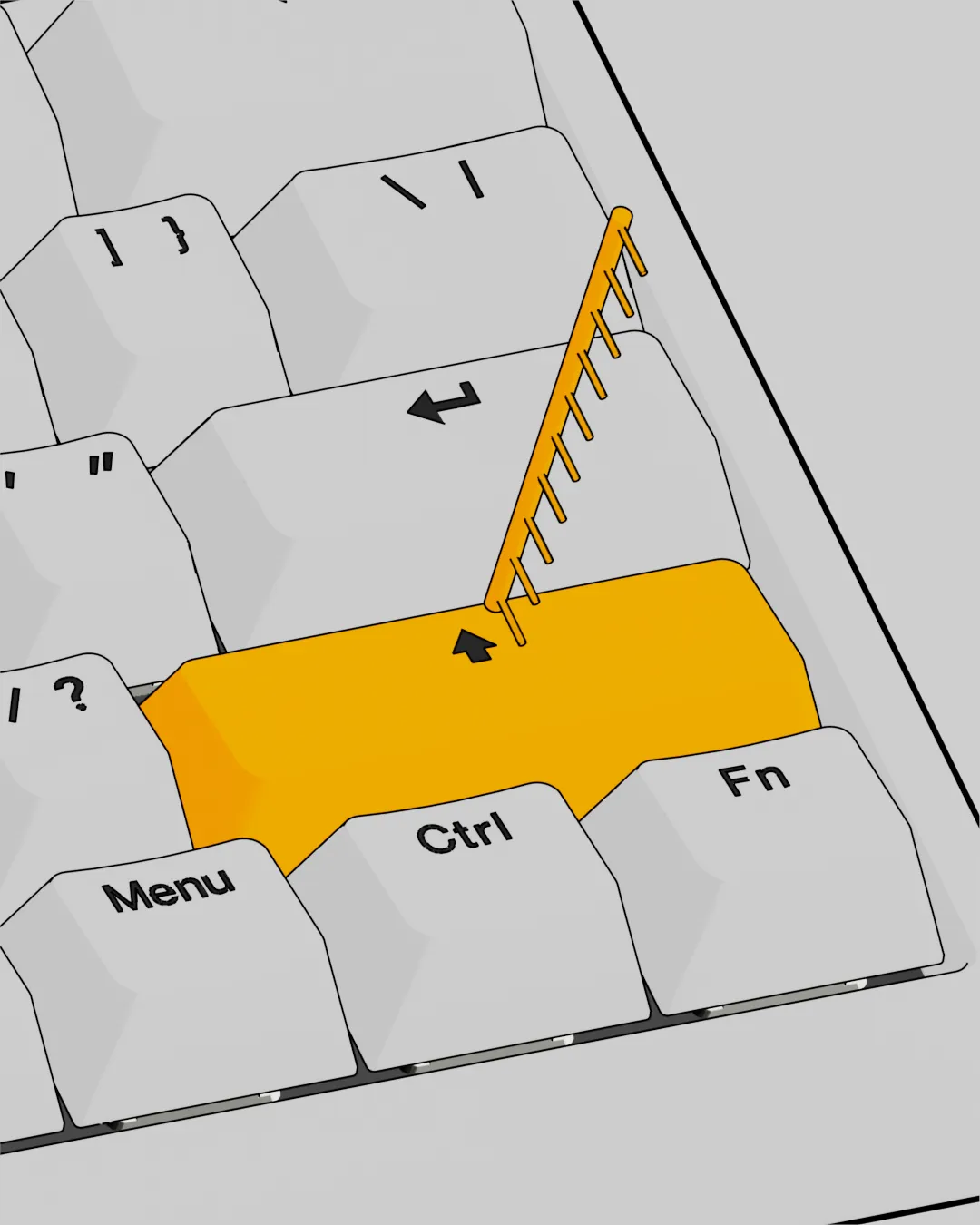
This feature lets you adjust the actuation point of a key, giving you more control over your keypresses. You can set the actuation point to 0.1mm, 0.5mm, 1mm, 2mm, 3mm, or 4mm.
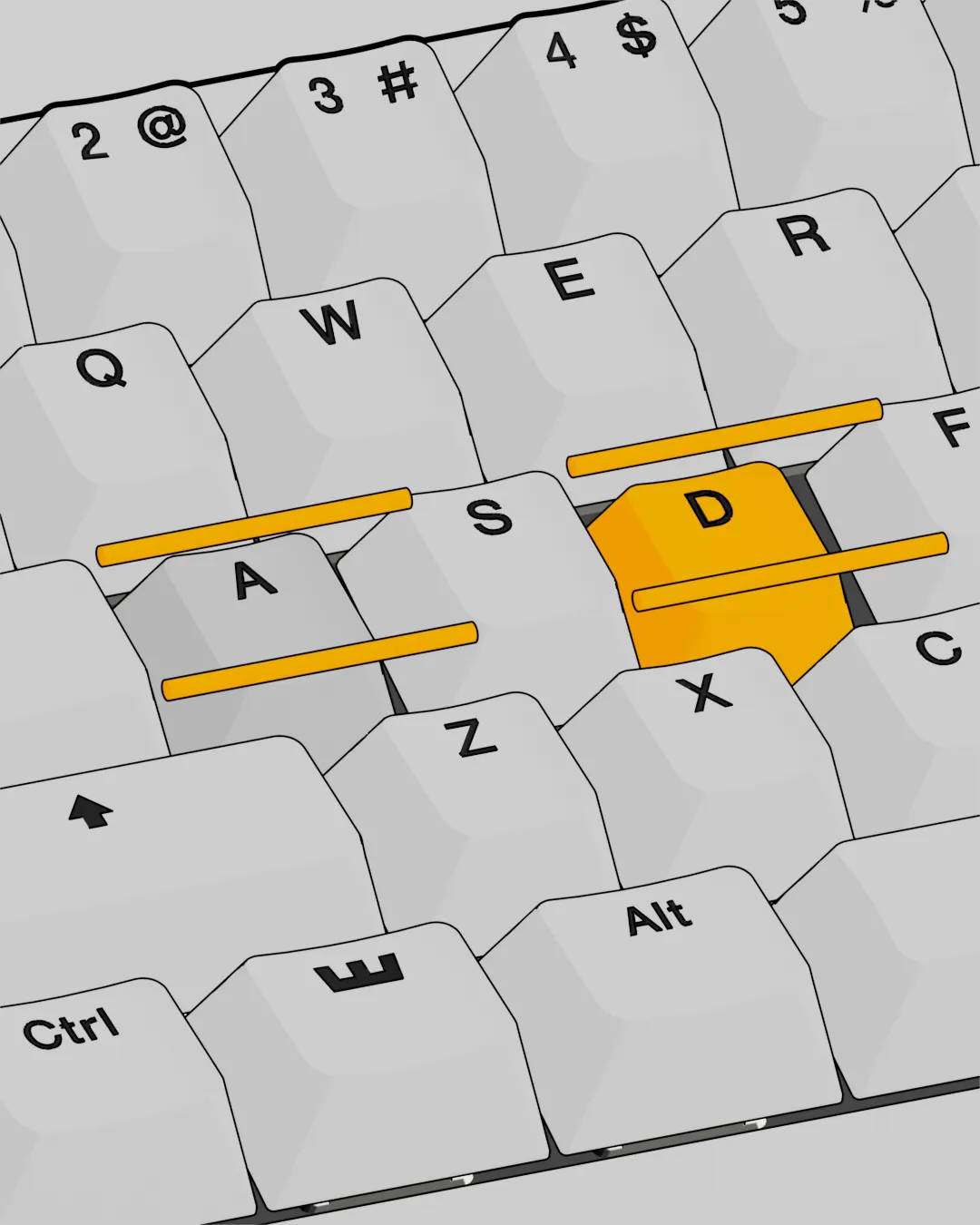
This feature lets you choose two keys that will never be active at the same time. The key pressed deeper is the one that stays active. The only way to activate both at once is to bottom out both keys.
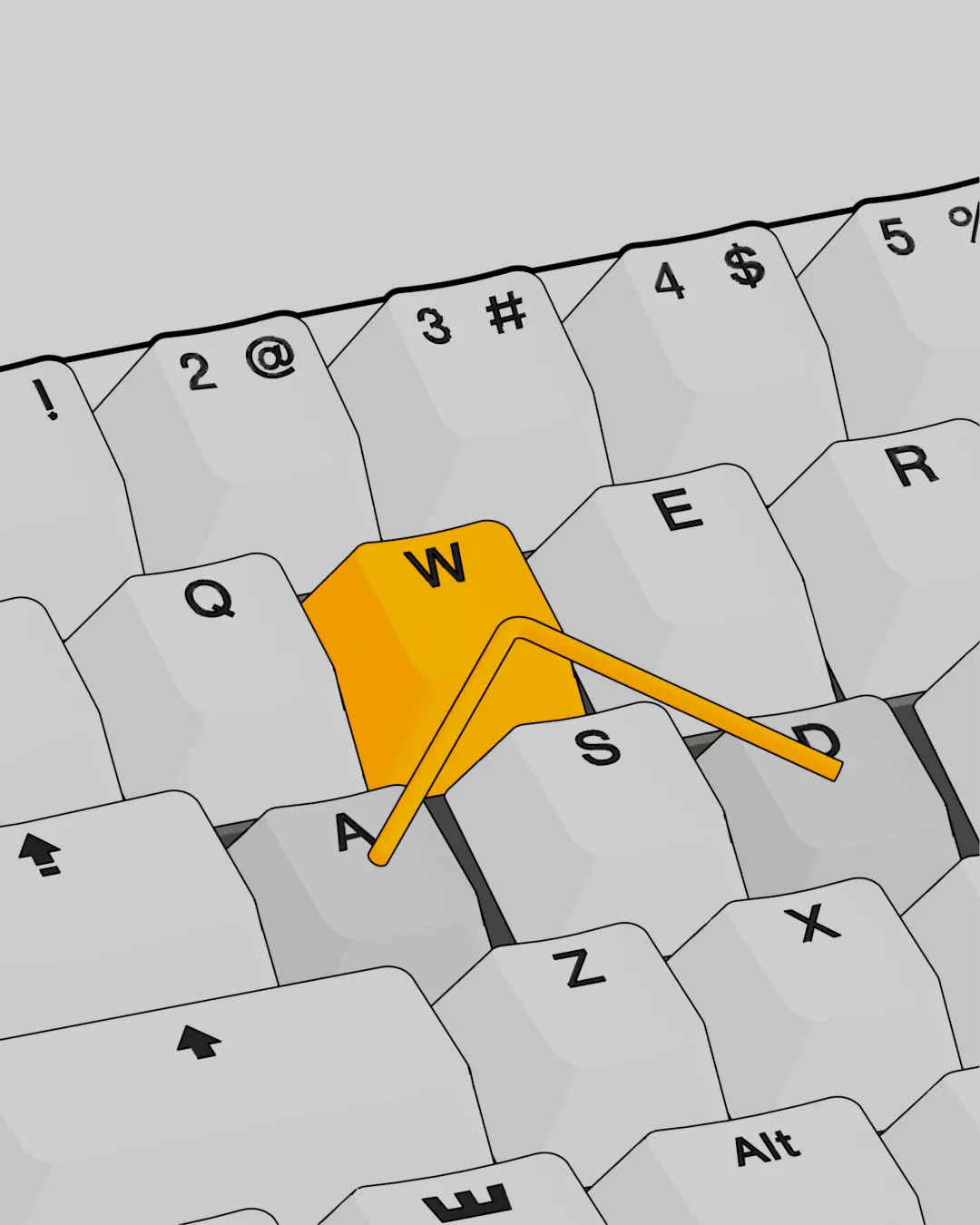
Similar to Rappy Snappy, but instead of always activating the key pressed deeper, this feature lets you choose how to decide which key stays active when both are pressed, for example, prioritizing the one pressed last.
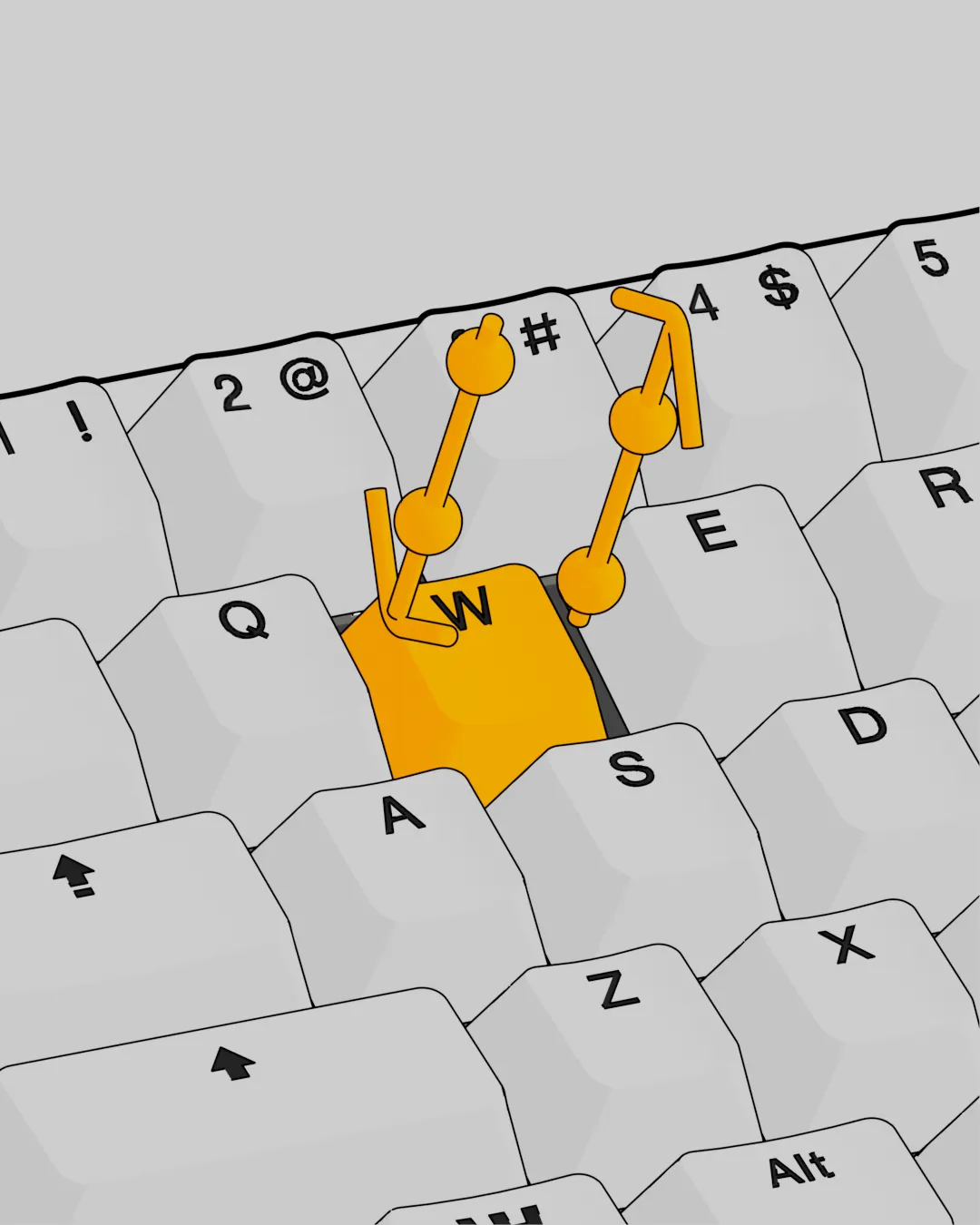
This feature lets you map multiple actions to a single key. With Hall-effect sensors, you can assign one action to a half-press, another to a full press, and even more on release. Perform combos with the press of a button.
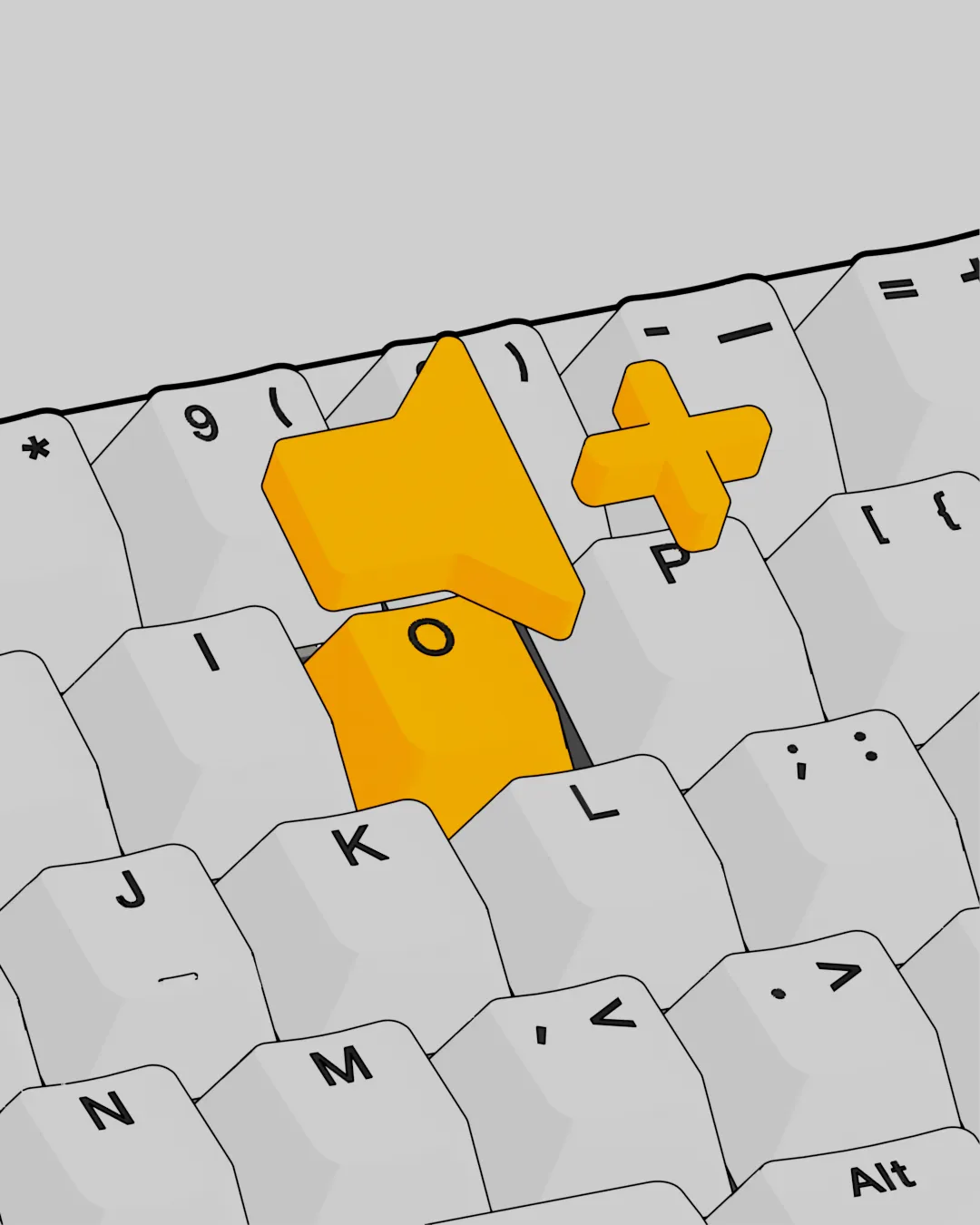
You can remap any key on your keyboard to perfectly match your preferred layout. You can also remap function layers which are accessible by pressing the designated modifier key.
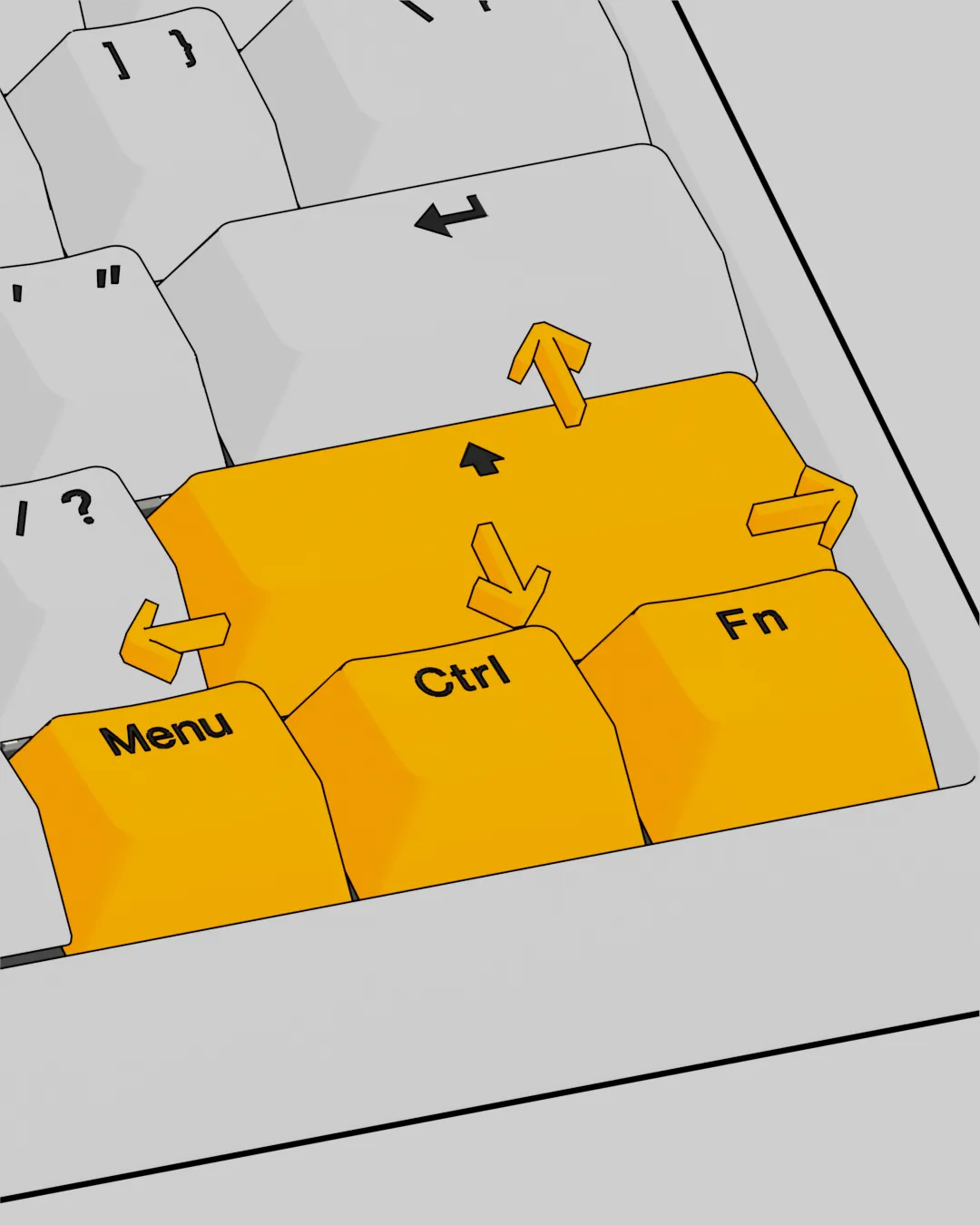
This feature lets you add a secondary action to any key: tap for Action A, or hold for Action B.
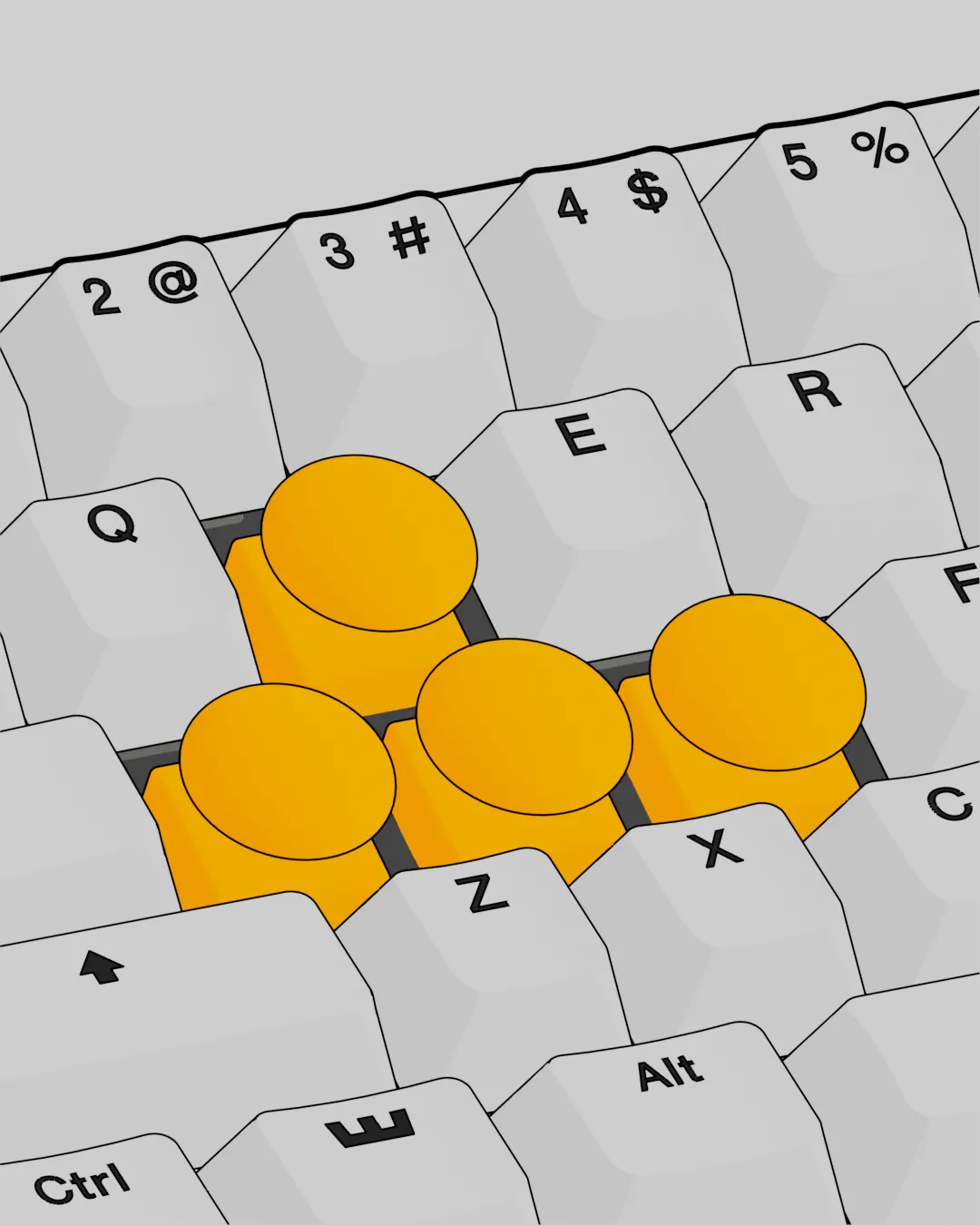
Activate analog movement in Wootility and your WASD keys gain variable input. In racing games, it means feathering the throttle and braking with precision; in sandboxes, it's walking or running exactly at the speed you want.
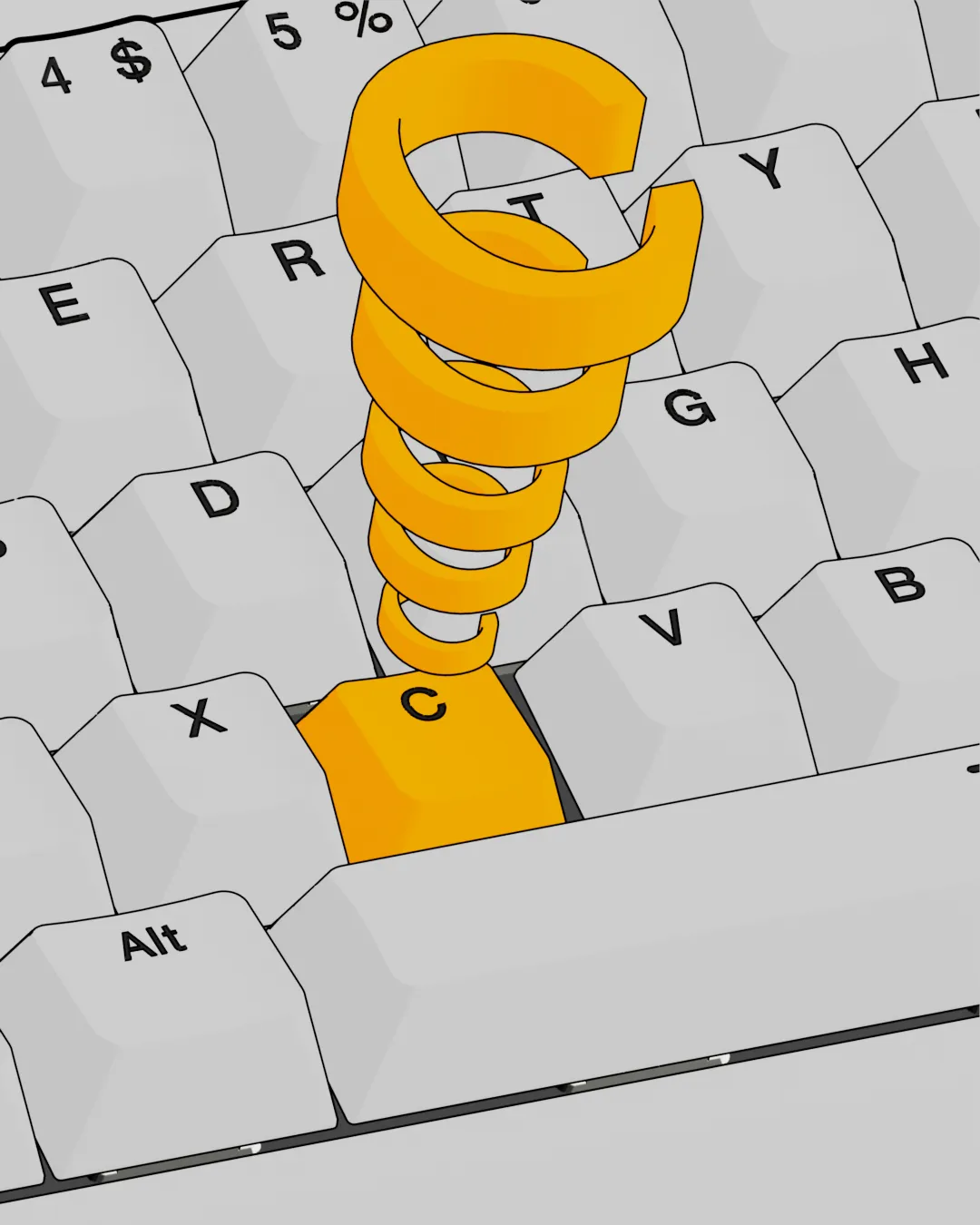
Lock an action between its on and off states by tapping the key. Hold the key to activate its normal function. This can be used to toggle your crouch ability in-game.
Build your own
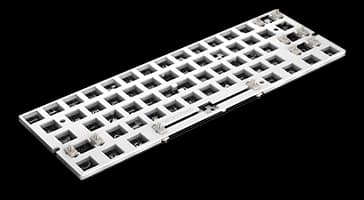
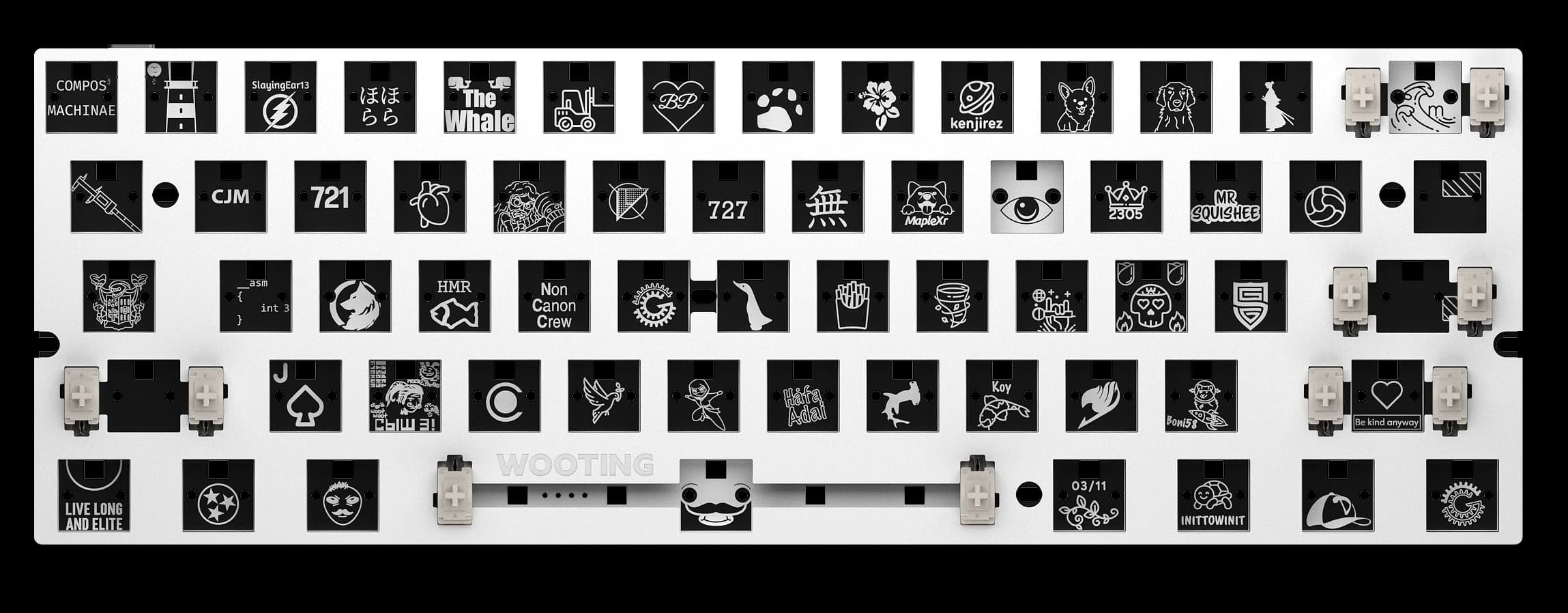
You want the power of a Wooting, but you'd rather choose the other parts of the keyboard yourself. We've got you! The Wooting 60HE+ Module includes just the PCB and a few essentials, without the keycaps, switches, or case. It also fits most aftermarket 60% cases.
The Wooting Way
Wooting is about meaningful innovation. Our keyboards are driven by passion and guided by the input we get from our beloved community.
Innovation doesn't happen in a vacuum. Every step we take is alongside the people who use our keyboards. Our community is at the center of that, sharing ideas, giving feedback, helping each other out, and having fun along the way. Whether it's on Discord, socials, or elsewhere, you're an essential part of the process that keeps Wooting moving forward.
We stand behind our keyboards with a four-year warranty, lifetime support, and backward compatibility wherever possible. That means when we develop new features, we always try to make them available on your existing board as well. It's our way of keeping Wooting a long-term companion, not just a short-term purchase.
Tech Specs
Switches
Lekker L60s switches
Keycaps
PBT, ABS and Dye-sub options available
Case
ABS
Stabilisers
Plate-mount stabilisers (screw-in supported)
Switch Plate
Steel
PCBA
GH60 (60%)
Cable
2.0 meter USB-C to A nylon braided cable
Dimensions
30.2 x 11.6 x 3.8 cm
11.89 x 4.53 x 1.5 inch
6 degree.
Weight
605 grams / 1.33 pounds
What's in the box?
| Pre-built version |
|---|
| 1 x Wooting 60HE+ |
| 1 x Wooting Switch and Keycap puller |
| 2x Spare Lekker L60s Switches |
| 1 x Wooting strap |
| 1 x USB-C to USB-A 2.0 cable 2 meter (black/yellow) |
| 2 x Spare PCBA screws (M2 x 4mm) |
| 1 x Postcard |
| 1 x Plastic Blister (dust cover) |
| Module version |
|---|
| 1 x Wooting 60HE+ Module |
| 1 x Wooting Switch and Keycap puller |
| 1 x USB-C to USB-A 2.0 cable 2 meter (black/yellow) |
| 7 x Spare PCBA screws (M2 x 4mm) |
| 1 x EPDM dampening foam layer |
| 1 x Poron sandwich pad |
| 10 x Silicone stand-off protection sticker |
| 1 x Postcard |
[1] Reflecting data on prosettings.net as of 22 June 2026.
[2] Our four year warranty is excluding the LED's. More information about our Warranty Policy is found here.
From Wooting.
With love.
Product updates, news, and launches.
Keyboards
Company
© 2015 - 2026 Wooting. All rights reserved.