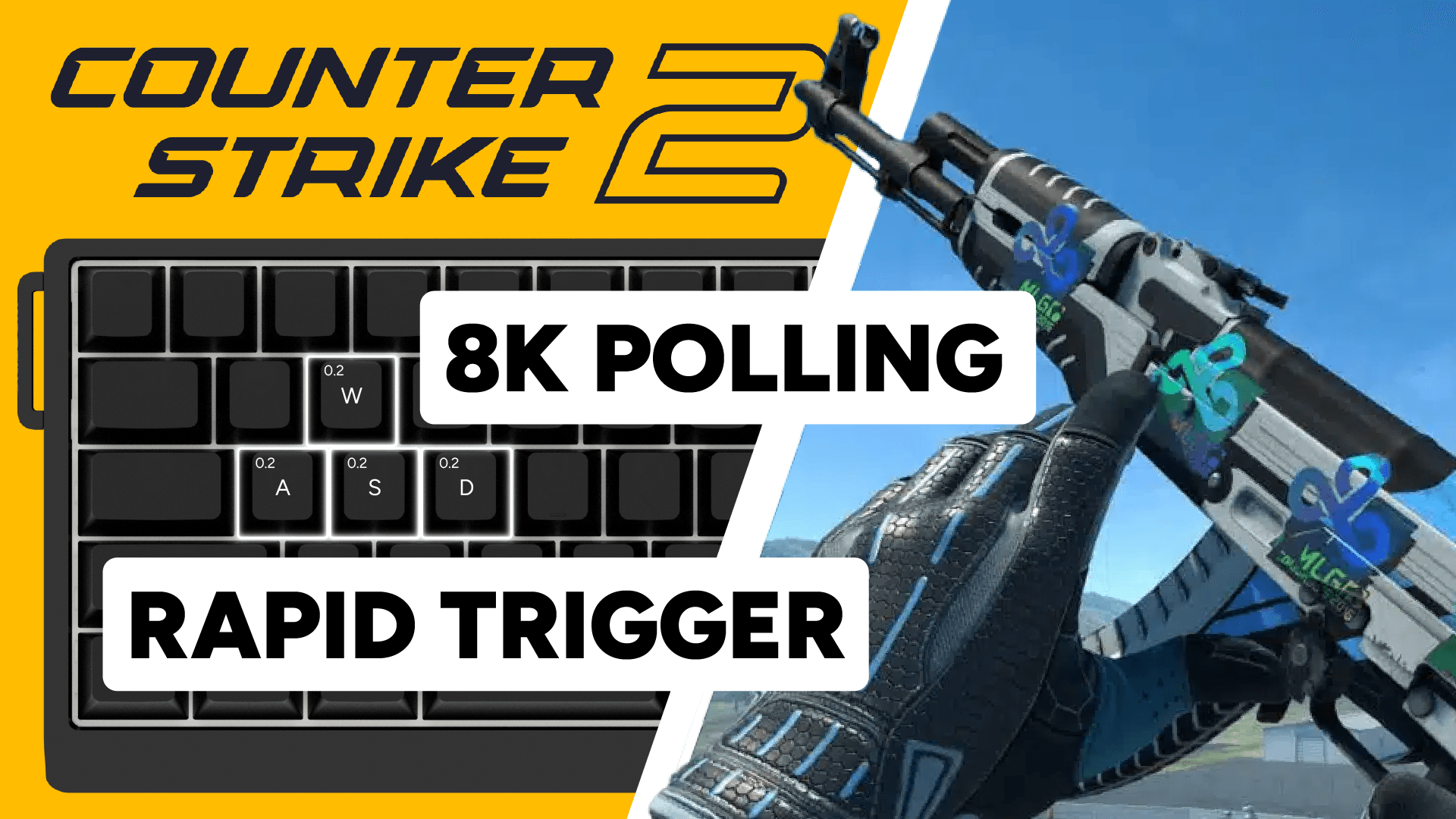
Wooting CS2 guide: In-game benefits, Rapid Trigger settings and pro profiles
2026年4月09日

Tim
11-12. One vs one. Two bullets left. You swing, shoot, bullet goes into the sky. Round lost.
Now rewind. Same peek, same moment. You stop instantly, the shot lands. Crowd goes wild.
Wooting is the most used keyboard brand among CS2 pros, according to ProSettings. There’s a reason for that.
In CS2, you need to stand still to shoot accurately. The sooner you stop moving, the sooner you can land the shot.
With a Wooting keyboard, your input registers earlier. Your movement stops sooner. Your character responds closer to your intent.
Cleaner counter-strafes, tighter peeks, and more consistent shots follow from that.
This guide covers how features like Rapid Trigger affect your game in CS2, what to consider when setting up your profile, and ready-to-use Wootility profiles so you don’t have to start from scratch.
Where Wooting makes a difference
With adjustable actuation, your keys can register sooner on the way down. No fixed actuation points, no gap between your intention and what happens in game. With Rapid Trigger, your key deregisters the moment you start lifting. In CS2 that means faster stops and cleaner inputs.
These are the three mechanics where a Wooting keyboard has the biggest impact.
01 - Counter-strafing
You’re only accurate in CS2 when you’ve fully stopped moving. Every millisecond between deciding to stop and your key actually deregistering is a millisecond where you can’t shoot accurately.
Rapid Trigger deregisters the moment you start lifting. No fixed reset point, no waiting. Your movement stops as fast as your finger moves, so you can shoot accurately sooner.
You still benefit from tapping the opposite direction, because it immediately cancels your movement.
With Rapid Trigger, you don’t have to time it as precisely, and your inputs are more consistent.
02 -Peeking and micro-adjustments
Moving out, taking a shot, returning to cover. The tighter your movement inputs, the faster you regain accuracy and the harder you are to track.
Lower actuation on WASD combined with Rapid Trigger gives you tighter, more controlled movement. Each input starts and stops where you intend it to, rather than bleeding slightly past your intention.
03 - Jumps and air-strafing
Adjustable actuation also improves movement precision more broadly. Lower actuation on WASD means keys register sooner in the press, which helps with timing-sensitive jumps like the Mirage window jump, and makes mid-air strafes feel snappier and more responsive. Less travel before the input fires means more control over where and when your movement actually starts.
What's banned and what isn't
In August 2024, Valve prohibited hardware-assisted SOCD resolution on their servers. All other Wooting features are still allowed to use.
| Feature | Status |
| Snappy Tappy | Prohibited |
| Rappy Snappy | Prohibited |
| Rapid Trigger | Allowed |
| Adjustable Actuation | Allowed |
| Continuous Rapid Trigger | Allowed |
Before you queue: make sure Snappy Tappy and Rappy Snappy are disabled in Wootility. Using them on Valve servers results in a match kick.
Choosing your CS2 keyboard settings
Here are the most important things to consider when setting up your Wootility profile for Counter Strike 2:
Actuation point
How deep you press before the key registers. Lower means faster input, but too low could cause accidental presses.
Keep in mind that consistency and reliability beat speed most of the time.
It’s recommended to start by setting your WASD actuation to somewhere between 0.4mm and 0.7mm.
Rapid Trigger
Improves your counter strafing. We recommended you only use Rapid Trigger on your WASD keys.
Be aware not to have RT enabled on your bomb defuse key (E by default), this could cause you to accidentally interrupt your bomb defuse and cost you the round.
Rapid Trigger sensitivity
How much upward movement triggers deregistration. This has the biggest impact on how fast you stop. Setting WASD to 0.15mm sounds optimal but for many players it isn't. If your finger pressure varies slightly while holding a key, it can briefly release and re-register, causing unintended movement.
It’s recommended to set your Rapid Trigger sensitivity to somewhere between 0.2mm and 0.5mm, depending on how steady you can keep your fingers while playing.
Continuous Rapid Trigger
Rapid Trigger only works when a key is pressed past its actuation point. With Continuous Rapid Trigger turned on this limitation is removed.
We don't recommend it as a default, but some players prefer it. Try it and see if it works for you.
Tachyon Mode
Turn on Tachyon Mode in Wootility to give your keyboard an input speed boost. This turns off RGB effects, lowers RGB brightness and has your keyboard focus on input speed.
On the Wooting 60HE v2 and Wooting 80HE, this feature enables True 8K Polling.
Recommended CS2 keyboard settings
If you’re new to analog keyboards, we recommend you start with the following settings for CS2.
- Actuation point (WASD): 0.7mm
- Actuation point (rest): 1.5mm
- Rapid Trigger sensitivity: 0.5mm
- Continuous Rapid Trigger: Off
- Tachyon Mode: On
From here, you can try out different settings to find what’s right for you.
Wootility profiles
If you don’t feel like setting up your own Wootility profile you can simply load one of our recommended, or pro player profiles to your keyboard.
How to load a profile directly into Wootility using a profile code:
Go to Wootility.io → My Profiles → Import profile → Paste code → Import
Wooting recommended CS2 profiles
- Wooting 80HE: 4143e5bad18d41e9e1b10715769e3a4f5d39
- Wooting 60HE: abd2185a2075ede88dd965eb083ba5df6099
Pro player profiles:
Twistzz - FaZe (80HE)
Profile code: 1bd596e9066fbd984d1c0e089a97b0b3d3ba
Yekindar - Furia (80HE)
Profile code: 0d9536f641358004ccc54e36a2409dc19784
Jks - Flyquest (80HE)
Profile code: d43915b9ec117696830421c8ef34cd18d270
More profiles are available at profiles.wooting.io.
FAQ
Here are some questions about Wooting in CS2 we often hear:
Does Rapid Trigger help with counter-strafing? Yes. Your movement key deregisters the moment you start lifting, so your aim accuracy resets faster. You don’t have to time it as precisely, and your inputs are more consistent.
What are good keyboard settings for CS2? Start at the recommended baseline above. Adjust one thing at a time. Going too aggressive on RT sensitivity too fast causes unintended movement, back off and dial in gradually.
Is Rapid Trigger a macro? No. It changes when the keyboard registers a press and release based on key travel direction. It does not generate extra inputs.
Can I use Snappy Tappy in CS2? No. Valve prohibits hardware-assisted SOCD resolution on their servers. Disable it in Wootility before queuing.
Can I use Rappy Snappy in CS2? No. Valve prohibits its use on their servers. They banned it together with Snappy Tappy. Disable it in Wootility before queuing.
Best Wooting keyboard for CS2
Which keyboard is best for CS2 depends on your personal preference. All our keyboards have the same features, so the choice dials down to form factor and whether or not you want True 8k Polling.
Wooting 80HE - Preferred by most CS2 players. Has a function row, dedicated arrow keys and True 8K polling.
Wooting 60HE v2 - Compact layout for maximum mouse space and True 8K polling.
Wooting 60HE+ - Full feature set without True 8K polling, still fast, still competitive.
If you prefer a full-sized keyboard with numpad, the Wooting Two HE is the keyboard for you. It packs all Wooting features.
Pro tip: Go for a split spacebar layout The split spacebar on the Wooting 60HE v2 adds extra thumb-accessible keys for actions like crouch, weapon switching, or grenades. Having more bindings within reach, your movement and aim stay consistent.
You can use the extra keys to bind important actions to:
- Crouch
- Gun hand switching
- Bind mute for clutch mode
- Radar zoom key
- Utility
来自 Wooting。
用心为您。
最新产品信息、新闻和发布。
键盘