Wootility update: Introducing the background service
2026年1月15日

Tim
We’ve recently released a big Wootility update that adds some really cool new features. The biggest one is the Wootility background service.
Wootility background service is basically Wootility running in the background talking with your keyboard.
Here’s how it works
The Wootility background service opens up a communication channel between your computer and your keyboard that stays open, even if you close Wootility.
This ‘communication channel’ opens up a wide range of possible new features, most of which we still have to develop.
A good thing to note here is that we developed the background service to be as lightweight as possible. In the tests we’ve run it took about 5MB of ram and almost no CPU.
If for whatever reason you don’t like the idea of having a background service running, you can completely shut it off in the Wootility settings.
Background service features
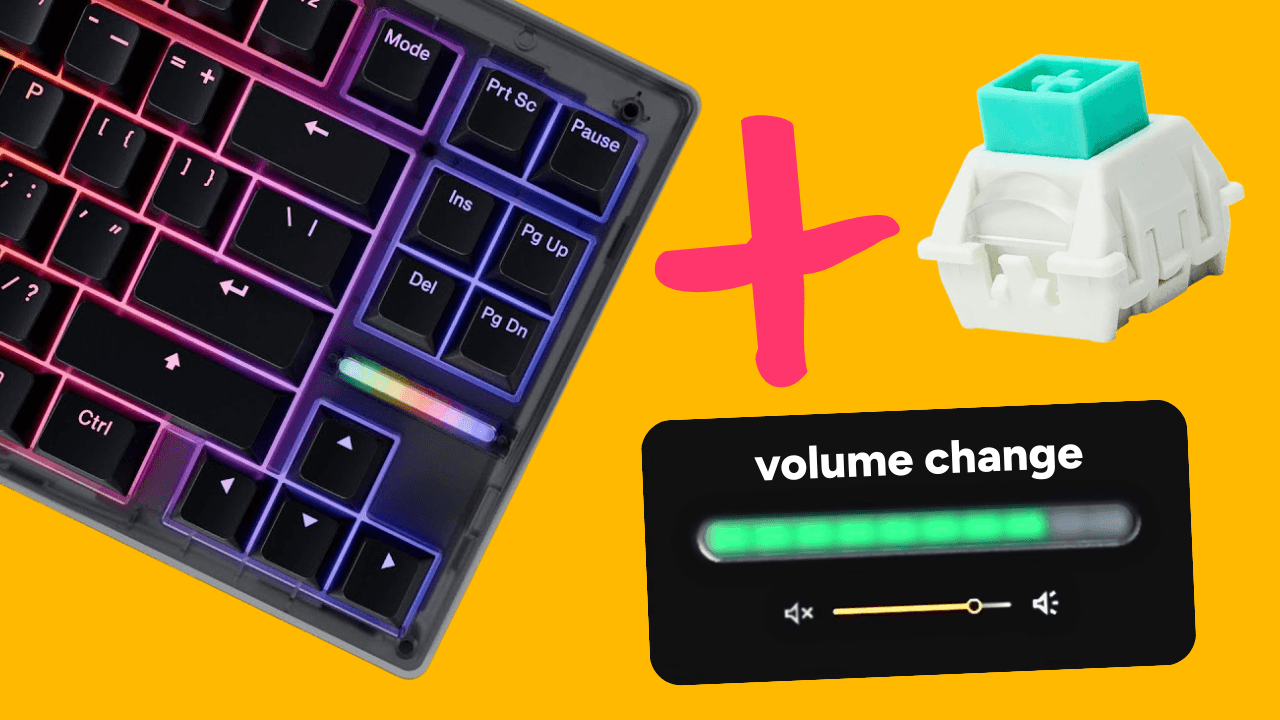
For now, the background service can be used on your Wooting 80HE to display the current volume level or ram usage using the LED bar. But this is just the beginning, there’s a lot more to come.
Wootility will display a warning message whenever a feature needs the background service to work.
We’re currently working on other quality-of-life features that depend on the background service, one of which is called ‘Profile Linking’.
Other new features
We’ve also added some non-background-service related features that are now available.
Copying profile settings - You can now copy specific settings from one profile to another, making it much easier to set up new profiles or reuse parts of existing ones.
This includes key remaps, advanced keys, and RGB effects (static for now, with dynamic effects coming in the next update). Copying works between layers and even between devices, just keep the layout in mind when pasting.
Naming your keyboard - You can finally give your trusted friend the name it deserves. The keyboard will take its name with it, so wherever you open Wootility, it will display the name you’ve given it.
Now each of your UwUs can have its own unique name.
Coming soon: Profile Linking
The Profile Linking feature uses the background service and lets you link a specific Wootility profile to a specific application. When you open that application, your keyboard will automatically switch to the linked profile.
This makes having specific settings for specific games a lot less time consuming, as you only have to set up a profile, link it, and never think about it again.
Currently in beta: Switch Selector
Another Wootility feature that’s in the works is the Switch Selector.
With the growing amount of available hall-effect switches you might decide to switch it up and use different ones. When you do, the Switch Selector makes sure the keyboard adapts to the switch’s keypress range and magnet strength.
By selecting which switch you’ve installed where on your keyboard, it will adjust to that switch and accurately activate at the set actuation point.
This feature is currently in beta and we’re still fixing some things to make sure it runs smoothly. If you want to try it out go to https://beta.wootility.io/ and update your firmware.
And if you do try out the beta and have any feedback, you can share it with us on this Discord channel.
Wootingより。
愛を込めて。
製品アップデート、ニュース、最新リリース情報。
© 2026 Wooting. 無断転載を禁じます